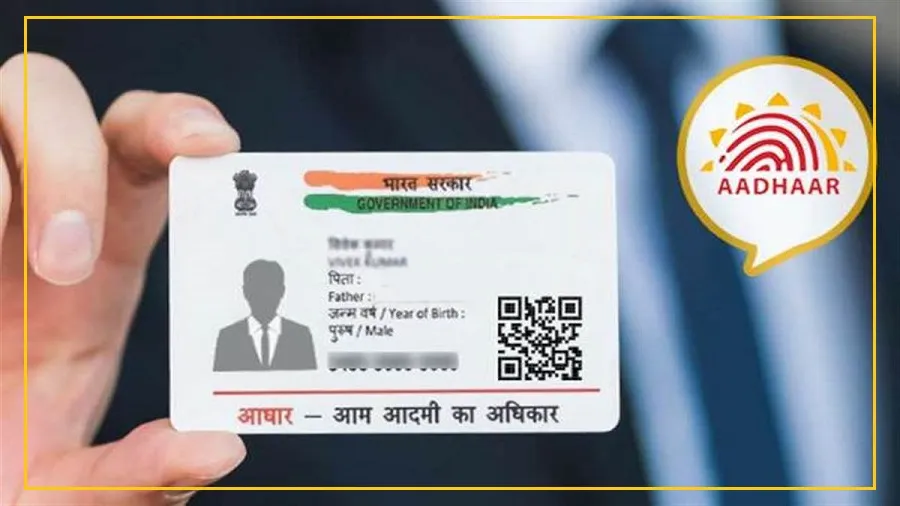
The Unique Identification Authority of India (UIDAI) is introducing a new feature in the Aadhaar app that will let users update their address from the comfort of home.
This has been a long-requested feature and will eliminate the need to visit an enrollment center for address updates.
UIDAI announced on X (formerly Twitter) that the update process will use OTP verification and face authentication, making it secure and convenient for Aadhaar holders.
How the New Address Update Feature Will Work
The app will use a two-step verification process to ensure strong security:
OTP Verification: Users will receive a one-time password (OTP) on their registered or new mobile number to confirm their request.

Face Authentication: After the OTP, users must complete face authentication through the app.
This will digitally match their live facial data with existing Aadhaar records, removing the need for physical documents or in-person verification.
The update process is designed to be simple and user-friendly.

Users will just need to:
Enter their 12-digit Aadhaar number
Select their preferred language
Verify the OTP
Complete face authentication
Set a six-digit security PIN to lock their Aadhaar profile for extra protection

How to Use the Aadhaar App for Address Update
Follow these steps to update your address once the feature is live:
Download the App: Install the official Aadhaar app from the Google Play Store (Android) or Apple App Store (iOS).
Enter Aadhaar Number: Open the app, select your language, and enter your 12-digit Aadhaar number.
Verify with OTP: Complete the verification using the OTP sent to your registered mobile number.
Complete Face Authentication: Perform face scan authentication to confirm your identity.
Set Security PIN: Create a six-digit PIN to secure your profile within the app.
This update will make address changes faster, safer, and fully digital, saving users the hassle of visiting enrollment centers and submitting physical documents.