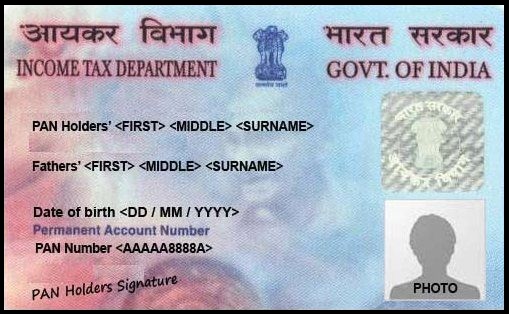
Even though your address is not printed on your PAN card, it is important to keep it updated. A correct address is required for communication, KYC verification, and legal matters. Any error can cause problems in banking, tax filing, and other financial services.
Documents Required for Address Update
To update your PAN card address online, you will need:
PAN card copy
Aadhaar card (as ID proof)
Address proof (like utility bill or Aadhaar)
Date of birth proof (like birth certificate)
Step-by-Step Process to Update PAN Address Online
Visit the Official Portal
Go to the Protean eGov Technologies website.Start the Application
Click on Change/Correction in PAN Data → Apply Now
Select: Changes or Correction in existing PAN Data/Reprint of PAN Card
Fill in the required details and submit the captcha
You will receive a token number via email. Save it for later use.
Continue Application and Submit Documents
Click on Continue with PAN Application Form
Choose one of the three document submission methods:
eKYC + eSign using Aadhaar OTP (completely online)
Upload scanned documents
Send physical documents to:
Income Tax PAN Services Unit,
Protean eGov Technologies Limited,
4th Floor, Sapphire Chambers, Baner Road,
Baner, Pune – 411045
Make Required Selections
Choose whether you want a physical copy of the PAN card (extra charges may apply)
Enter last 4 digits of Aadhaar
Select and update the field(s) you want to correct
Upload address proof and PAN copy
Declaration and Aadhaar Verification
Enter your full name and city
Upload your photo and signature in the given format
Enter the first 8 digits of your Aadhaar
Make the payment and save the payment receipt
e-Sign and Final Submission
Click Authenticate to verify Aadhaar
Enter OTP received on your Aadhaar-linked mobile
Click on Continue with eSign, accept terms, and verify with OTP again
Final Step: Download Acknowledgement

After completing the process, download the acknowledgement form. The password to open the file will be your date of birth in DD/MM/YYYY format.
By following these steps, you can easily update your PAN card address without visiting any office.