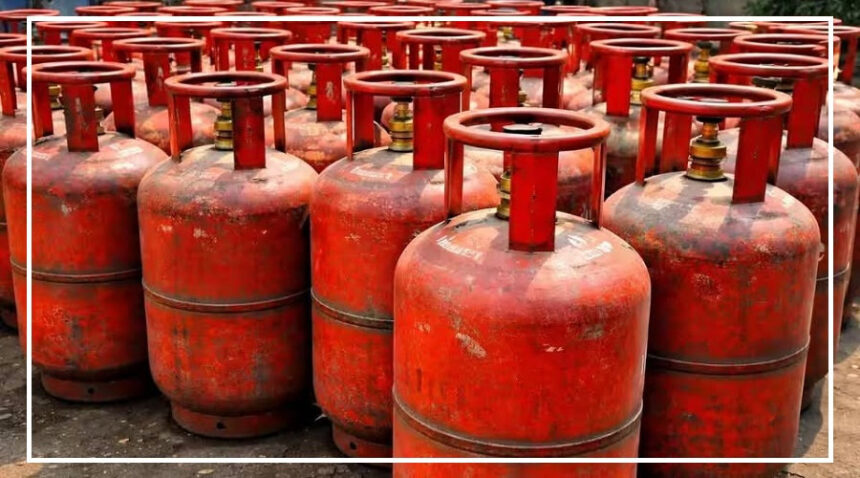
The Ministry of Petroleum and Natural Gas has made e-KYC mandatory for all domestic LPG consumers.
This means every LPG user must complete biometric Aadhaar verification to continue receiving benefits and avoid future issues.
The good news is—you can now do this easily from home using your mobile phone.
How to Complete e-KYC from Home
To complete your e-KYC, you need two apps:
Your LPG company’s app (Indane, Bharat Gas, or HP Gas)
Aadhaar FaceRD App
Follow these simple steps:
Open your LPG company app

Log in using your details
Enter your 16-digit LPG ID (found on your cash memo or subscription voucher)
Go to “My Profile”
Select LPG details and click on “Re-KYC”
Accept the consent
Complete face scan for Aadhaar verification

Once done, your e-KYC will be successfully updated.
Apps You Can Use
Depending on your LPG provider, you can use the following apps:
IndianOil ONE (Indane users)
BharatGas App
HP Pay
These apps are available on both Android and iOS.
Important for Ujjwala Scheme Beneficiaries
If you are a beneficiary of the Pradhan Mantri Ujjwala Yojana, e-KYC is even more important.
Here’s why:
You must complete e-KYC every financial year
You will receive Rs 300 subsidy on the 8th and 9th cylinder refill only after e-KYC
Without e-KYC, subsidy stops after the 7th refill
However, LPG supply will not be stopped
If you complete e-KYC later, the subsidy can still be credited before the financial year ends.
Why This Update Matters
This move aims to:
Ensure benefits reach the right users
Prevent misuse of subsidies
Make the system more secure and transparent
For consumers, completing e-KYC on time will help avoid missing out on important subsidies.
If you use LPG at home, it’s best to complete your e-KYC as soon as possible to stay eligible for all benefits without any interruption.