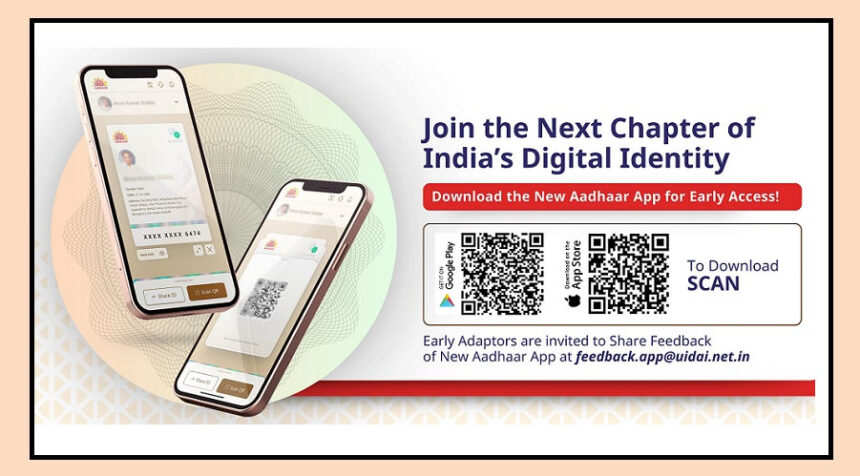
UIDAI’s Aadhaar app has introduced a new feature called My Contact Card, making it easier to share your verified contact details securely.
By using this feature, you can share your name, phone number, email, and address with others through a QR code, without exposing your full Aadhaar number.
This ensures privacy and safety, giving users full control over what information they share.
Why Was This Feature Introduced?
In many places like hotels, offices, delivery services, or other services, people are often asked to share their full Aadhaar number.
Sharing this information can increase the risk of data leaks and misuse.

The My Contact Card feature solves this problem by allowing users to share only their verified contact details, keeping their identity secure while still providing necessary information.
How to Use the My Contact Card Feature
Using the feature is simple:
Open the Aadhaar app and log in.

Swipe up from the bottom to see more options.
In the Services section, tap on My Contact Card.
Your QR code will appear, which can be scanned by others to get your verified details.
You can also share your contact details through other apps by tapping the share button below the QR code.
This feature makes it quick and safe to share your contact details without revealing sensitive information, offering a convenient way to maintain privacy in daily interactions.