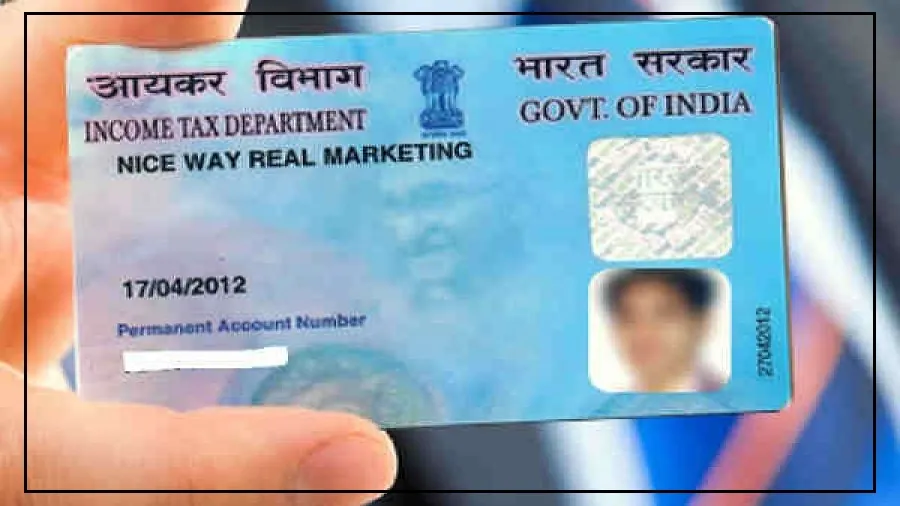
Spotted a mistake in your PAN card? Maybe your name changed after marriage.
Maybe you shifted to a new house. Or perhaps your date of birth, mobile number, photo, or signature needs correction.
The good news is that updating your PAN card is now quick and simple.
You don’t need to stand in long queues or visit any office.
Thanks to the online services by the Income Tax Department, you can fix everything from home.
Your Permanent Account Number (PAN) is not just a small plastic card.
It is one of the most important documents for filing income tax and carrying out financial transactions.
That’s why your details — name, date of birth, photo, signature, father’s name, Aadhaar, gender, address, and contact information — must always be correct.
Updating your PAN details usually costs between Rs 101 and Rs 110 (including taxes) if your address is within India.
Here’s how you can update your photo, add a digital signature, or download your e-PAN step by step.
How to Change Your Photo in PAN Card Online
If your photo looks outdated or incorrect, you can update it easily through the website of Protean e-Gov Technologies Limited (formerly NSDL).
Follow these simple steps:
Step 1: Visit the official website and click on “Change/Correction in Existing PAN Data”.
Then select “Apply Now”.
Step 2: Choose “Changes or Correction in Existing PAN Data” as the application type and select “Individual” under category.
Step 3: Enter your name, date of birth, email ID, mobile number, and PAN number. Submit the form to generate a token number.
Keep this safe for future tracking.
Step 4: Choose how you want to submit documents — through e-Sign with scanned copies or by sending physical documents.
Step 5: Upload the required documents.
This includes identity proof, address proof, date of birth proof, your existing PAN copy, a recent passport-size photo, and your scanned signature in the required format.
Step 6: Make the payment online using debit card, credit card, or net banking.
After payment, download and print the acknowledgement slip for reference.
How to Add or Update Digital Signature in PAN Card
If your signature does not match or you want to update it, the process is quite similar.
Again, visit the official website of Protean e-Gov Technologies Limited and select “Change/Correction in Existing PAN Data”.
Step 1: Choose the correction option and select “Individual” as your category.
Step 2: Fill in your personal details and submit the form to generate a token number.
Step 3: Select whether you want to submit documents online through e-Sign or send physical copies.
Step 4: Enter your Aadhaar details and tick the box for “Signature Mismatch” (and “Photo Mismatch” if needed). Fill in parent details and continue.
Step 5: Upload identity proof, address proof, date of birth proof, your existing PAN copy, and a clear scanned copy of your new signature.
Step 6: Complete the online payment and download the acknowledgement slip to track your application.

How to Download e-PAN Online
Need a digital copy of your PAN card? You can download it instantly from the official portal of Income Tax Department.
Here’s how:
Step 1: Visit the Income Tax e-Filing portal homepage.
Step 2: Under “Quick Links”, click on “Instant e-PAN”.
Then choose “Check Status/Download PAN” and click “Continue”.
Step 3: Enter your Aadhaar number and proceed.
Step 4: Enter the OTP sent to your Aadhaar-registered mobile number. Confirm and continue.
Step 5: Once verified, click on “Download e-PAN”. Your e-PAN will be downloaded in PDF format.
Keeping your PAN details updated is important for smooth financial transactions and hassle-free tax filing.
With the entire process now available online, you can complete everything in just a few minutes without leaving your home.