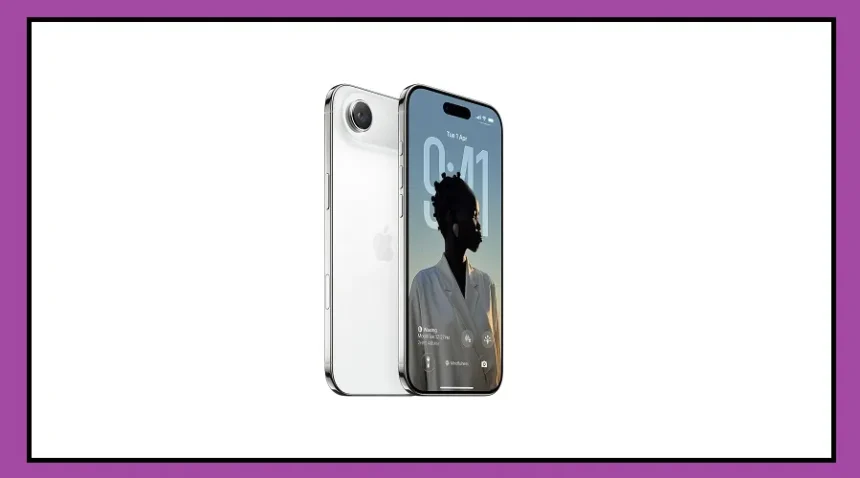
Apple has officially introduced iOS 27 at its annual Worldwide Developers Conference (WWDC) 2026. The latest update brings several new features, smarter AI tools, performance improvements, and major upgrades to Siri.
The good news for iPhone users is that Apple has not removed support for any older iPhone models this year. This means all devices currently running iOS 26 will also be eligible for the iOS 27 update.
One of the biggest highlights is that the iPhone 11 series, launched in 2019, remains on the supported devices list.
This will come as a relief to millions of users who are still using older iPhones and do not plan to upgrade anytime soon.
According to Apple, iOS 27 is designed to deliver not only new features but also better speed and performance on older devices.
Full List of iPhones That Will Get iOS 27
Apple has confirmed that the following iPhone models will receive the iOS 27 update:
iPhone 17 Series (including Pro and Pro Max models)
iPhone 17e
iPhone Air
iPhone 16e
iPhone 16, 16 Plus, 16 Pro, and 16 Pro Max
iPhone 15, 15 Plus, 15 Pro, and 15 Pro Max
iPhone 14, 14 Plus, 14 Pro, and 14 Pro Max
iPhone 13, 13 mini, 13 Pro, and 13 Pro Max
iPhone 12, 12 mini, 12 Pro, and 12 Pro Max
iPhone 11, 11 Pro, and 11 Pro Max
iPhone SE (2nd Generation)
iPhone SE (3rd Generation)
New Features Coming With iOS 27
Apple has focused heavily on design, AI, security, and overall performance with this update.
Users will notice a refreshed and more modern interface that makes the iPhone experience smoother and more engaging.
Siri has also become smarter and can now understand commands more accurately while completing tasks faster. Apple is also expanding its AI capabilities through Apple Intelligence, which can help users write messages, take notes, understand text, and handle everyday tasks more efficiently.
Better Security and Faster Performance
iOS 27 introduces stronger privacy controls and security features to keep user data safer.
The update also promises improved app performance, better battery optimization, smoother animations, and quicker response times across the system.
Apple claims that iPhones will feel faster, more stable, and more reliable after installing iOS 27. Popular apps such as Messages, Phone, Camera, Photos, and Safari are also getting new features and improvements to enhance the overall user experience.
How to Install iOS 27 on Your iPhone
Follow these simple steps to install the latest update:
Step 1: Connect your iPhone to a Wi-Fi network and make sure the battery is at least 50% charged. Keeping the device connected to a charger is recommended.
Step 2: Open the Settings app and tap General.
Step 3: Select Software Update. If iOS 27 is available for your device, it will appear on the screen.
Step 4: Tap Download and Install. Enter your passcode if required and accept Apple’s Terms and Conditions.
Step 5: Once the download is complete, tap Install Now. Your iPhone will restart, and iOS 27 will be installed within a few minutes.

If your iPhone is on the supported devices list, you can look forward to a smarter, faster, and more secure experience with Apple’s latest software update.