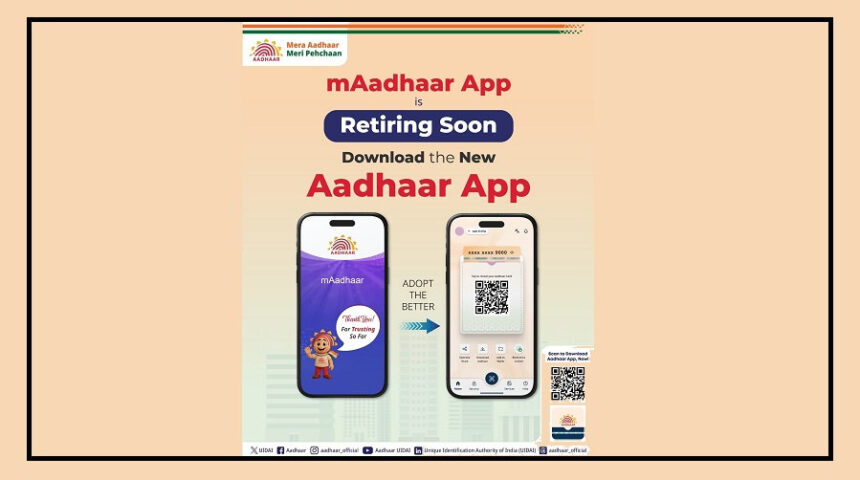
The Unique Identification Authority of India (UIDAI) has announced that the old mAadhaar app will soon be discontinued.
In its place, UIDAI has launched a brand-new Aadhaar app with improved speed, stronger security, and easier features for users.
According to UIDAI, the new app is designed to offer a smarter and safer digital experience. The app is now available for both Android and iPhone users.
New Features in the Aadhaar App
One of the biggest changes in the new Aadhaar app is the QR code-based identity sharing feature.
With this option, users can verify their identity without showing their full Aadhaar number. This helps improve privacy and keeps personal information safer.
The app also introduces a feature called “Selective Share.” Using this, users can decide which details they want to share during verification and which details they want to keep private.
Another important feature is offline QR verification. This means users can complete identity verification even without an internet connection by simply scanning a QR code at authorized centers.
UIDAI has also added support for 13 Indian languages, making the app easier to use for people across different states.
Biometric Lock for Better Security
The new Aadhaar app now allows users to lock their biometric information directly from the app. This includes fingerprint, face, and iris authentication.
This feature can help prevent misuse of Aadhaar data. If needed, users can also unlock these biometric options later through the app itself.
Family Profile Feature Added
The app also comes with a Family Profile feature. Users can add up to five family members to one account, making it easier to manage multiple Aadhaar profiles in one place.
However, UIDAI has warned that if users lose access to their linked mobile number or device, Aadhaar services may stop working temporarily until access is restored.
How to Set Up the New Aadhaar App
Setting up the new Aadhaar app is simple. Users first need to download the app from the Google Play Store or Apple App Store.
After opening the app, select your preferred language and register using your Aadhaar-linked mobile number or another active number.
Next, enter your 12-digit Aadhaar number and complete OTP verification. Users will then need to complete face authentication in good lighting conditions.
Finally, create a 6-digit app password to finish the setup process.
What Happens to Old mAadhaar Users?
UIDAI has not yet confirmed whether data from the old mAadhaar app will automatically transfer to the new app.
Because of this, existing users may need to set up their Aadhaar profiles again manually in the new application.