Keeping track of electricity bills is about to become much easier.
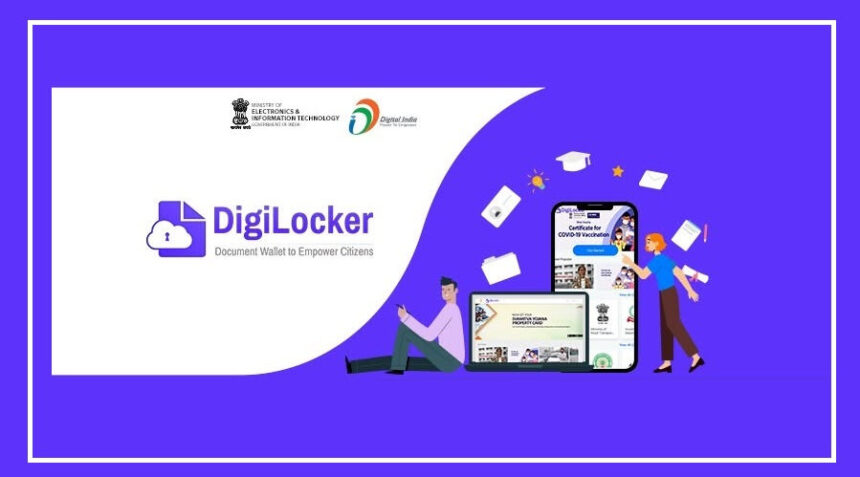
The Ministry of Electronics and Information Technology (MeitY) has linked 68 major electricity distribution companies across India with the DigiLocker platform.
This means consumers can now access, download, and verify their electricity bills online with just a few clicks.
There’s no need to search through old emails or keep paper copies safe anymore.
Electricity Bills Now Available on DigiLocker
With this new integration, users can access bills issued by 68 government, private, and municipal electricity companies directly through DigiLocker.
The list includes several major power distributors, such as Uttar Pradesh’s Pashchimanchal and Madhyanchal Vidyut Vitran Nigam, Delhi’s BSES, and Noida Power Company.
Since these bills are issued directly by the respective electricity companies, they are considered authentic and legally valid documents.
Why Is This a Big Benefit?
The biggest advantage is convenience.
Instead of contacting your electricity provider or searching for old records, you can now view and download your latest bill anytime through the DigiLocker app.
The digital copy remains securely stored in your account, reducing the risk of losing important documents.
More Than Just an Electricity Bill
An electricity bill is often required as proof of address for various services.
Whether you are applying for a new SIM card, opening a bank account, completing KYC formalities, or applying for government services, an electricity bill is frequently requested as supporting documentation.
With the bill available in DigiLocker, users can instantly share a verified digital copy whenever needed, making the process faster and hassle-free.
How to Download Your Electricity Bill on DigiLocker
Getting your electricity bill through DigiLocker is simple. Follow these steps:
Install the DigiLocker app or update it to the latest version.
Log in to your DigiLocker account.
Tap the “Search” option at the bottom of the screen.
Type “Electricity Bill” in the search bar.
Select your state and click on “View All.”
Choose the Electricity Bill option.
Enter your account number and select your electricity distribution company (Discom).
Click on “Get Document” to fetch your bill.
Within seconds, your latest electricity bill will be available in your DigiLocker account.
Important Thing to Remember
To access the electricity bill, you must log in to the DigiLocker account of the person in whose name the electricity connection is registered.
If the account details and electricity connection details match, the bill can be retrieved and stored instantly.
A Step Towards Paperless Services
The addition of electricity bills to DigiLocker is another step toward making government and utility services fully digital.
With verified documents available at your fingertips, consumers can save time, reduce paperwork, and access important records whenever they need them.