If you’ve been trying to activate your UAN on the EPFO website, you may have noticed something confusing.
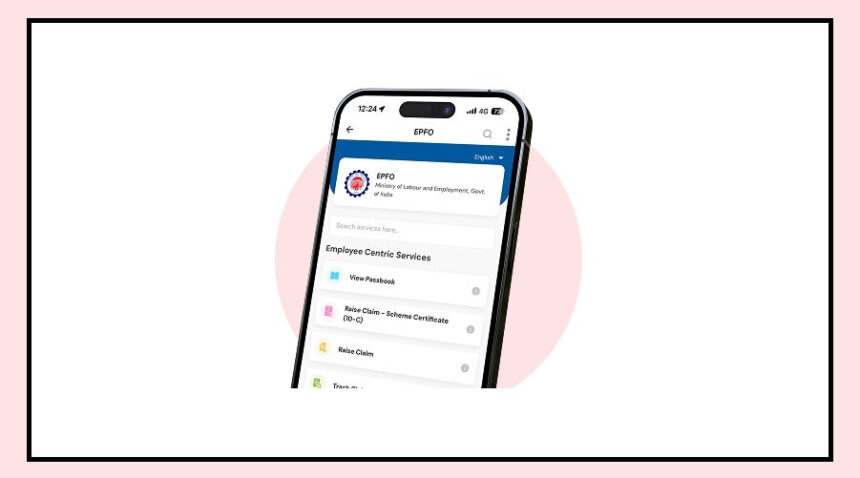
The option is still visible—but clicking it now redirects you to the UMANG app.
This is because the Employees’ Provident Fund Organisation has changed the process.
From now on, UAN activation can only be done through the UMANG app.
Why UAN Activation Is Important
Your UAN (Universal Account Number) is the key to managing your PF account.
Once it is activated, you can:
Check your PF balance and passbook
Track your monthly contributions
Withdraw money when needed
Transfer PF easily when changing jobs
Without activating your UAN, you won’t be able to access any of these services.
What You Need Before You Start
Before beginning the process, make sure you have a few important details ready.
You will need:
Your UAN number
Your Aadhaar number
A mobile number linked with Aadhaar
The OTP for verification will be sent to this mobile number, so it must be active.
Step-by-Step: How to Activate UAN on UMANG
The process is simple and can be completed in a few steps.
First, open the UMANG app and go to the EPFO section.
There, you will find the option to activate UAN.
Next, enter your UAN, Aadhaar number, and registered mobile number.
You will receive an OTP on your phone. Enter it to proceed.
In some cases, you may also need to complete Aadhaar-based face authentication.
Once everything is verified, your UAN will be activated, and you will receive a confirmation message.
What Has Changed in the Process?
Earlier, UAN activation could be done directly on the EPFO website.
Now, even though the option still appears on the website, it no longer works independently and redirects users to the UMANG app.
The new process also adds Aadhaar-based verification, making it more secure but slightly different from before.
Important Things to Remember
Make sure your mobile number is linked with Aadhaar, or the process may fail.
Always double-check your details before submitting, as errors can delay activation.
The good part is that UAN activation is a one-time process. Once done, you can log in anytime and use all EPFO services without repeating these steps.