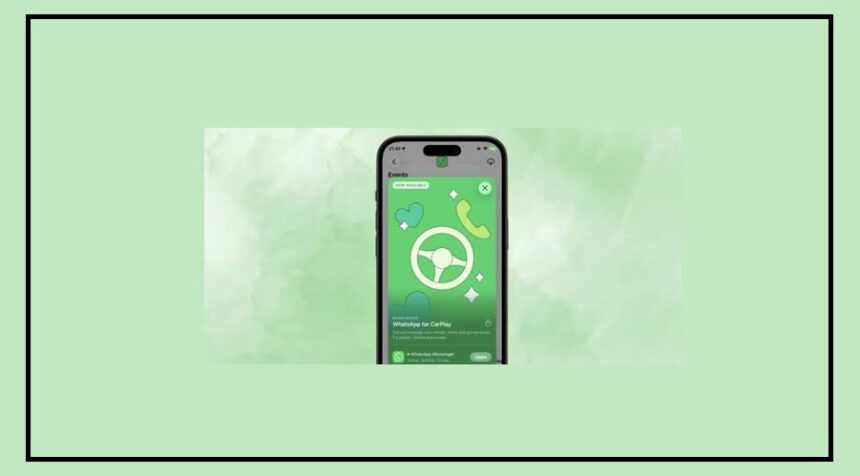
After months of leaks and rumors, WhatsApp has officially launched its native CarPlay app for iPhone users.
This new feature allows drivers to send messages, make calls, and access favorite contacts directly from their car dashboard using Apple CarPlay.
The goal is simple: reduce distractions while driving and make communication safer on the road.
No More Siri Struggles While Driving
Earlier, using WhatsApp with CarPlay wasn’t very smooth.
Drivers had to depend on Siri, which often led to:
Misheard voice commands
Difficulty checking recent chats
No proper access to call history or contacts
Now, with the new app, everything is available through a clean and easy-to-use interface on your car’s screen.
This means you can stay connected without taking your focus off the road.
Key Features You Should Know
The new WhatsApp CarPlay app comes with three main tabs designed for quick access:
Chats at a Glance
You can now see your recent chats and unread messages without opening full conversations.
This helps you stay updated while keeping distractions to a minimum.
Easy Call History Access
The app shows your incoming, outgoing, and missed calls along with timestamps and contact names.
You can also quickly tap a contact to return a missed call, making it much more convenient.
Quick Access to Favorite Contacts
This tab lets you reach your most-used contacts instantly.
With just a tap, you can send a message or make a call.
It syncs directly with your iPhone’s WhatsApp favorites.
From Beta Testing to Official Release
The CarPlay app was first tested through TestFlight, where users helped identify bugs and improve performance.
After successful testing, the feature is now officially available on the App Store with WhatsApp version 26.13.74.
Once updated, the app will automatically appear on your CarPlay dashboard when your iPhone is connected.
Privacy and Security Stay Strong
WhatsApp continues to focus on user privacy.
All messages and calls on CarPlay remain end-to-end encrypted, ensuring your conversations stay secure even while driving.
How to Get Started
Getting the WhatsApp CarPlay app is simple:
Update WhatsApp to the latest version from the App Store
Connect your iPhone to CarPlay
The app will automatically show up on your car’s dashboard
You’ll then have instant access to chats, calls, and contacts—right from your car.
The Bottom Line
This update makes WhatsApp much more driver-friendly and practical.
With a cleaner interface and quick access features, you can now stay connected without compromising safety.