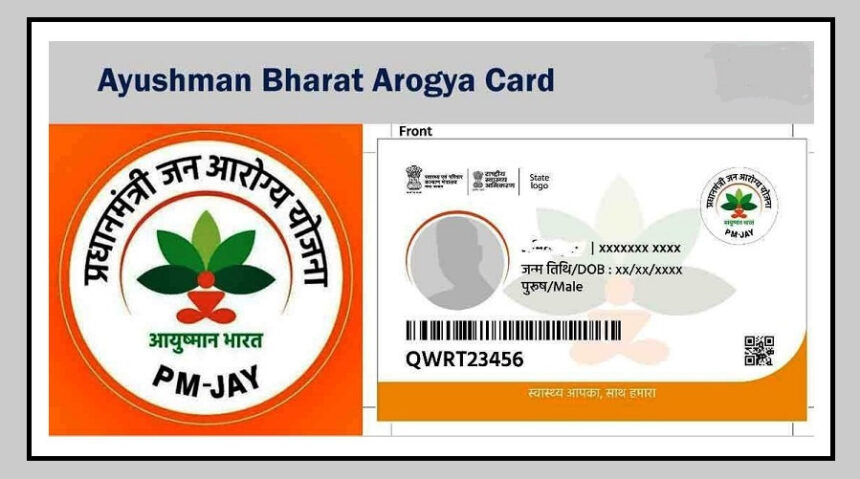
The Ayushman Bharat scheme provides eligible families with health coverage of up to ₹5 lakh for hospital treatment. But having an Ayushman card alone may not always be enough to use the benefits smoothly.
If you have recently changed details such as your name, date of birth or gender in Aadhaar, those details should also be updated in your Ayushman record.
If the information on your Aadhaar and Ayushman card does not match, you could face problems while trying to use the scheme’s benefits.
The good news is that eligible users can complete e-KYC through the Ayushman app using their phone.
When Do You Need to Complete Ayushman e-KYC?
There are several situations where updating your e-KYC becomes important.
If you have corrected your name, date of birth, gender or other Aadhaar details, you should complete e-KYC so that the information in your Ayushman record matches Aadhaar.
You may also need to update your details if the photo on your Ayushman card is unclear or outdated.
Similarly, if your Ayushman card was created a long time ago and e-KYC was never completed, or the system does not show the latest verification status, you may need to complete the process again.
In short, anyone who needs to update important information on their Ayushman card should first complete the required e-KYC process.
How to Complete e-KYC Through the Ayushman App
The process can be completed using a smartphone. Follow these steps:
Install the Ayushman app on your phone.
Install the Aadhaar FaceRD app if you want to use face authentication.
Open the Ayushman app and tap Login.
Select the Beneficiary option.
Enter your mobile number and verify it using the OTP.
Select your state, scheme and district.
Search for the beneficiary using an Aadhaar number or ration card number.
Your family member details will appear on the screen.
Select the family member whose e-KYC needs to be updated.
Tap e-KYC or Redo e-KYC, depending on what appears on the screen.
Choose an authentication method such as Aadhaar OTP, face authentication or fingerprint.
If you choose Aadhaar OTP, enter the OTP received on your registered mobile number.
After authentication, enter or update the required information. Make sure it matches your Aadhaar details.
The app may ask you to take and upload a live photo.
Recheck details such as your mobile number, relationship and PIN code.
Tap Submit to complete the process.
After approval, you can download the updated Ayushman card through the app, if the option is available.
The updated information may be approved immediately or after some time, depending on the verification process.
What Happens If You Don’t Complete e-KYC?
Not completing e-KYC can create problems when you need to use your Ayushman benefits.
If the details on your Aadhaar and Ayushman records do not match, you could face difficulties while getting treatment under the scheme.

This can become especially stressful during a medical emergency, when there is little time to correct documents or complete verification.
There could also be issues with processing or approving a claim if the beneficiary information is not properly updated.
Another problem is that you may not be able to access certain updated card or family-member information until the required verification is completed.
Keep Your Ayushman Details Updated
If you have recently changed information in your Aadhaar or your Ayushman card has old or incorrect details, it is better to check your e-KYC status now.
Keeping the information updated can help avoid unnecessary problems when you need to use your health coverage.