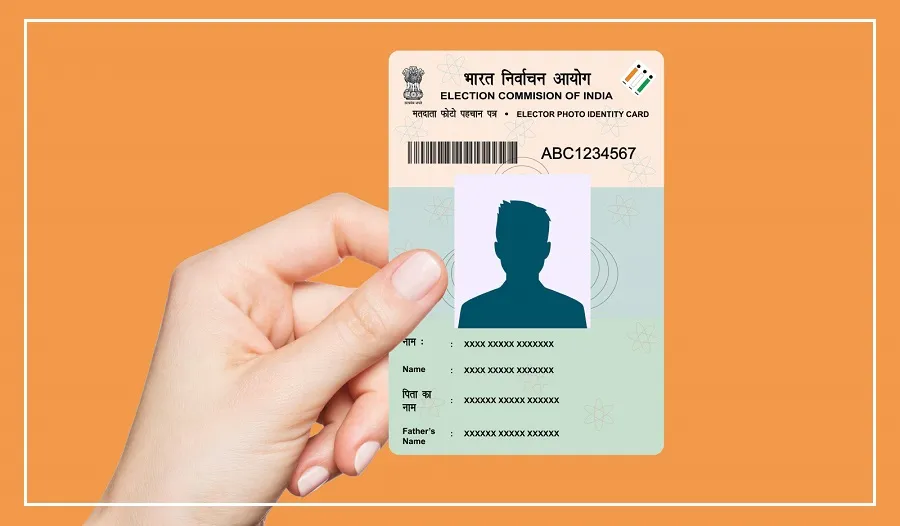
The ECI SIR Notice process allows voters who receive a notice during the Election Commission of India’s Special Intensive Revision (SIR) of electoral rolls to understand how to respond and submit the required documents.
Voters should carefully read the notice and follow the instructions provided by the election authorities.
The process is important because electoral roll revisions are intended to verify voter details and help maintain accurate electoral records.
Anyone who receives a notice should check the applicable requirements rather than assume that the same documents are required in every case.
How to Submit ECI SIR Notice Documents Online
Voters can use the Election Commission’s Citizen Service Portal to submit supporting documents against an SIR notice.
The facility can be accessed through a mobile phone browser or a computer, making it possible to complete the process online.
To begin, open the official voter services portal and look for the Special Intensive Revision (SIR) section. Select the option labelled “Submit Document Against Notice Issued” to proceed with the document submission process.
Steps to Upload Documents on the Portal
After selecting the relevant option, enter the requested details to access the service.
These may include the Electoral Photo Identity Card (EPIC) number, commonly known as the voter ID number, or the reference number mentioned in the notice.
Follow the portal’s instructions to complete verification using the registered mobile number and the OTP received, where required. Once access is granted, the system will guide you towards the document-upload section.
Upload clear photographs or scanned copies of the documents specifically requested in the notice.
Before submitting, review the uploaded files and the information entered to check for errors or missing documents.
After completing the submission, follow any confirmation or further instructions displayed on the portal. Keep a record of the submission confirmation, if provided, for future reference.
What Documents Should Voters Upload?
The documents required will depend on the notice issued to the individual voter. Applicants should read the notice carefully and submit the relevant supporting records rather than uploading unrelated documents.
Voters should also ensure that the uploaded files are readable and contain the information requested by the election authorities.
If the portal does not accept the files or the voter cannot complete the process, contacting the relevant Booth Level Officer (BLO) or election office may help clarify the next steps.
The online facility is intended to make responding to an SIR notice more convenient.
However, voters should follow the specific directions in their notice and any additional instructions issued by the election authorities.