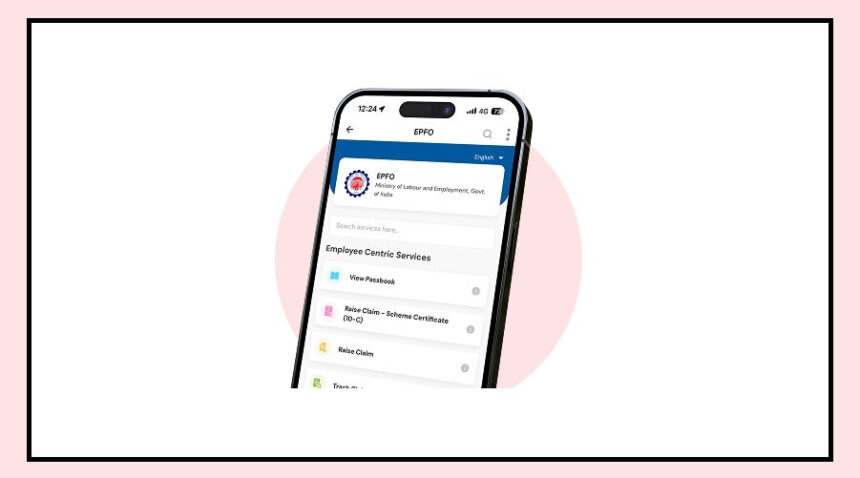
Is PF money getting deducted from your salary, but you’re not sure how much you’ve saved? Don’t worry—you can check your PF balance in seconds using just an SMS.
No internet, no login, and no complicated steps.
Here’s how it works in the simplest way.
Check Your PF Balance with One SMS
You can easily check your PF balance through Employees’ Provident Fund Organisation (EPFO) using your phone’s messaging app.
All you need to do is:
Open your SMS or Messages app
Type: EPFOHO UAN
Send it to 7738299899
Want the details in your preferred language? Just add the first three letters of the language at the end.
For example:
For Hindi: EPFOHO UAN HIN
That’s it. No apps, no passwords.
What You’ll Get After Sending the SMS
Once you send the message, EPFO will reply within a few seconds.
The SMS will include:
Your current PF balance
Your last contribution details
This makes it one of the fastest ways to track your savings.
Important Things to Remember
Before using this service, keep these points in mind:
Your mobile number must be linked with your UAN
Always type the SMS in the correct format
Send the message only to the official number (7738299899)
If any detail is incorrect, you may not receive the information.