Digital payments have become a part of everyday life.
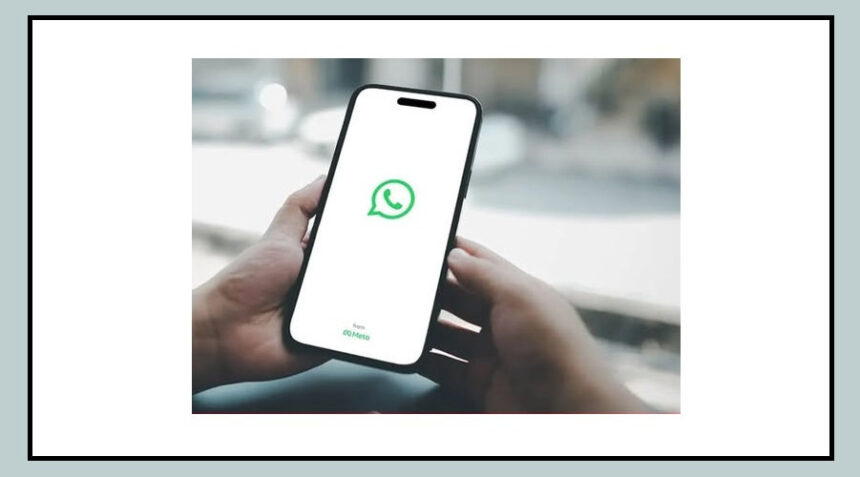
Today, people can easily send money to friends, family, or small businesses directly through WhatsApp.
Owned by Meta Platforms, WhatsApp introduced the WhatsApp Payments feature to make transactions quick and convenient.
Whether it is splitting a bill with friends or paying a local shop, the feature allows users to transfer money instantly.
However, this convenience has also attracted scammers.
Fraudsters now use fake payment requests, phishing links, and impersonation messages to trick users into sending money.
In many cases, people realize they have been scammed only after the money has already been transferred.
The good news is that most of these scams can be avoided by staying alert and following a few simple precautions.
Common Tricks Used in WhatsApp Payment Scams
Scammers often pretend to be someone you trust.
They may send a message pretending to be a friend, family member, or colleague and ask for urgent financial help.
In some cases, fraudsters send fake payment requests hoping users will approve them without checking the details.
Another common trick involves sending phishing links that claim to be payment confirmations, rewards, or cashback offers.
When users click these links, they may unknowingly share sensitive information.
Scammers may also send QR codes, claiming that scanning them will help you receive money.
In reality, scanning a QR code usually means you are approving a payment.
Important Safety Tips to Avoid WhatsApp Payment Fraud
Following a few basic safety practices can protect you from most WhatsApp payment scams.
Verify the sender first
If someone asks for money, confirm the request by calling or messaging them separately.
Scammers often impersonate people you know.
Avoid clicking suspicious links
Do not open unknown links that promise rewards, payment confirmations, or discounts.
Check payment requests carefully
Before approving a payment request, always check the name, amount, and purpose of the transaction.
Never share your UPI PIN or OTP
Your UPI PIN and OTP are confidential.
No bank or legitimate service will ask for these details through messages or calls.
Be careful with QR codes
Scanning a QR code usually means you are making a payment, not receiving one.
Enable two-step verification
Turn on two-step verification in WhatsApp to add an extra layer of security to your account.
What to Do If You Receive Messages from Unknown Numbers
If you receive a suspicious payment request from an unknown number, it is best to block and report the contact immediately on WhatsApp.
The app allows users to report fraudulent accounts easily across devices.
On Android, you can tap Block, then select Report Contact, and confirm by tapping Block again.
On iPhone, tap Block, then choose Block and Report.
Users on WhatsApp Web, Mac, or Windows can also report suspicious accounts directly from the chat window.
Reporting these contacts helps WhatsApp identify scammers and take action against them, making the platform safer for everyone.

By staying alert and verifying payment requests carefully, users can continue enjoying the convenience of WhatsApp payments while keeping their money and personal information safe.