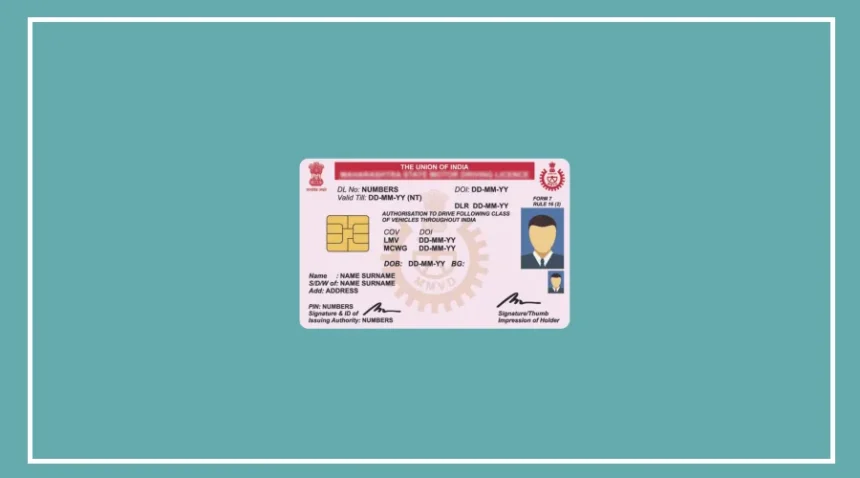
Have you moved to a new house but still have your old address on your driving licence? Many people delay updating it because they assume they will have to visit the RTO, stand in long queues and deal with paperwork.
But that is no longer always necessary. You can apply to change the address on your driving licence online through the Parivahan Sarathi portal using your phone or laptop.
Since a driving licence is also accepted as an identity document in many situations, keeping your address updated is important.
Documents You Need for Address Change
Before starting the online process, keep the required documents ready. This will make the application quicker and easier.
You will generally need:
A scanned copy of your existing driving licence
Proof of your new address, such as an Aadhaar card, passport, voter ID, ration card, recent electricity/water/telephone bill or rent agreement
Identity proof such as PAN card, passport or voter ID
A recent passport-size photograph
Your signature on white paper in digital/scanned form
Form 1, wherever required
Once these documents are ready, you can apply online without depending on an agent or middleman.
How to Change Driving Licence Address Online
Follow these steps to apply for an address change:
Visit the Parivahan Sarathi portal using your phone or laptop.
Select the option for DL-related services.
Enter your driving licence number and date of birth, then click on Get DL Details and confirm your details.
Select your new RTO office.
Choose Aadhaar-based e-KYC, if available, to complete the process without an RTO visit.
From the list of services, select Change of Address in DL.
Enter your new permanent address carefully.
Upload the required address proof and Form 1.
Upload your photograph and signature when asked.
Pay the applicable fee online.
Save the acknowledgement slip and payment receipt for future reference.
You can use the acknowledgement details to track the status of your application.
Moving to Another State? You May Need an NOC
The process is slightly different if you have moved from one state to another.
In this case, you generally need an NOC (No Objection Certificate) from your old RTO before transferring your driving licence details to the new state.
You can apply for the NOC online through the Parivahan Sarathi portal.
First, select your old state and go to DL Services.
Enter your driving licence number and date of birth.

Next, select Issue of NOC from the available services.
Enter your new state, new RTO and the reason for requesting the NOC.
Upload the required documents, including a copy of your existing driving licence, and pay the applicable government fee.
After verification, the old RTO can issue the NOC online. Download and keep the NOC and payment receipt safely.
How to Submit the NOC in Your New State
Once you receive the NOC, you can apply for the address change with your new RTO.
Follow these steps:
Select your new state on the Parivahan Sarathi portal.
Choose Apply for Change of Address.
Enter your driving licence number and date of birth.
Enter the NOC number and issue date provided by your old RTO.
Enter your new address and upload the address proof.
Upload the NOC issued by your old RTO.
Pay the applicable address-change fee.
Wait for the new RTO to verify and approve your application.
Once the application is approved, the updated driving licence can be sent to your new address by post.
Keep Your Driving Licence Details Updated
Changing your address on your driving licence can save you from problems later, especially when the licence is used as an identity or address document.
The online process also means you may not need to spend hours visiting an RTO just to update your address.