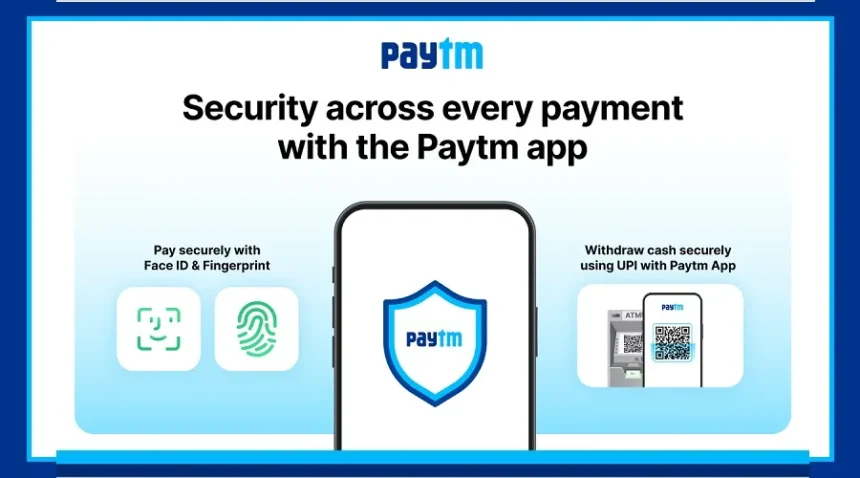
Paytm has introduced a major update that makes both UPI payments and cash withdrawals faster, easier, and more secure.
With this update, users no longer need to enter a PIN every time they make a payment. Instead, they can now use fingerprint or face unlock to complete transactions.
This new feature is designed to save time and improve safety, especially for users who prefer quick and hassle-free payments.
UPI Payments Now Work with Fingerprint and Face Unlock
Paytm has added biometric authentication to its app. This means you can now pay using your fingerprint or face instead of entering a UPI PIN.
All you need to do is unlock your phone, and your payment will be confirmed.
This method is not only convenient but also more secure. Since fingerprint and face data are unique to each person, the chances of fraud are much lower.
Withdraw Cash Without an ATM Card
Another big update from Paytm is cardless ATM withdrawal.
Now, you can take out money from an ATM even if you don’t have your debit card with you.
To withdraw cash:
Open the Paytm app
Select the cash withdrawal option
Enter the amount
Scan the QR code on the ATM
Once the process is completed, the ATM will dispense your cash.
This feature is very useful for people who forget to carry their ATM card or don’t remember their PIN.
How to Enable Fingerprint Payments on Paytm
To use this feature, make sure your Paytm app is updated to the latest version.
Steps to follow:
Open the app and go to Profile or Settings
Find the Security or Biometric option
Enable fingerprint or face unlock
After this, every UPI payment will require biometric authentication instead of a PIN.
How to Withdraw Money Without an ATM Card
The process is simple and quick.
Open Paytm and select “Cash Withdrawal”
Enter the amount you want
A QR code or request will be generated
Go to a nearby ATM that supports QR scanning
Scan the QR code and authenticate
Once done, your cash will be dispensed instantly.