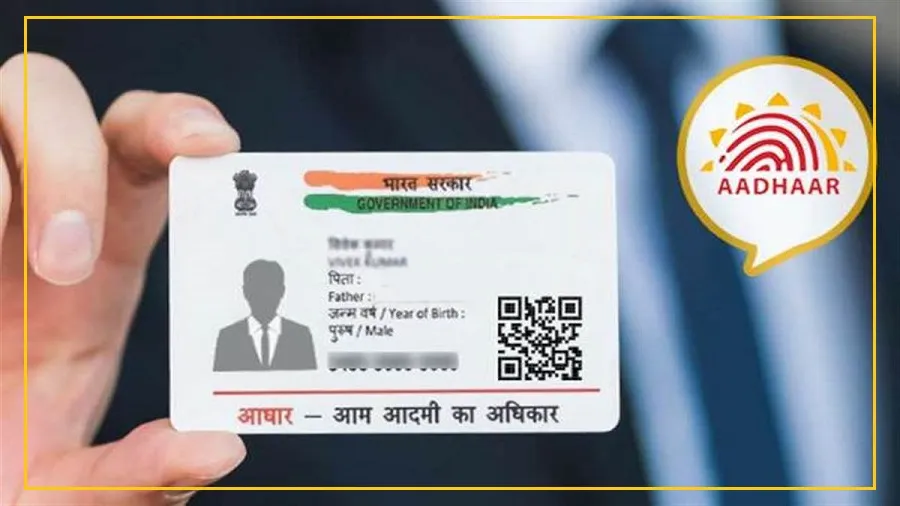
Want to add or update your email address in Aadhaar? You may no longer need to visit an Aadhaar centre for this.
The process can now be completed through the Aadhaar mobile app from the comfort of your home.
Adding your email address can also be useful for receiving updates related to Aadhaar OTPs and verification requests.
It gives you another way to stay informed about activity related to your Aadhaar.
There is another reason to act soon.
The email update service is free until December 31, 2026. After that, regular charges may apply.
How to Update Your Email Address in the Aadhaar App
First, download the Aadhaar app from the Google Play Store or Apple App Store. If you already have the app, make sure it is updated.
Log in using your Aadhaar number and the OTP sent to your registered mobile number. You will then need to complete the required biometric verification.
Once logged in, follow these steps:
Open the Services section at the bottom of the app.
Select “Add/Update Email.”
Enter the email address you want to link with Aadhaar.
Verify your email using the OTP sent to your inbox.
Complete face authentication and biometric verification as required.
Check all the details carefully and submit the request.
Save the Update Request Number (URN) so you can track your request later.
How to Check If Your Email Has Been Updated
After submitting the request, you can verify whether your email address has been successfully linked.
Visit the UIDAI website and go to My Aadhaar.
Then select Aadhaar Services followed by “Verify Email/Mobile Number.”
Enter your Aadhaar number, email address and captcha. Click on “Send OTP.”
An OTP will be sent to your email. Enter the OTP and click “Submit.”
If the verification is successful, a confirmation message will appear.
Don’t Miss the Free Service Deadline
If you have been planning to add your email address to Aadhaar, the current free period gives you a reason to do it sooner rather than later.
The service is stated to be free until December 31, 2026, so eligible users can complete the process without paying the regular fee during this period.