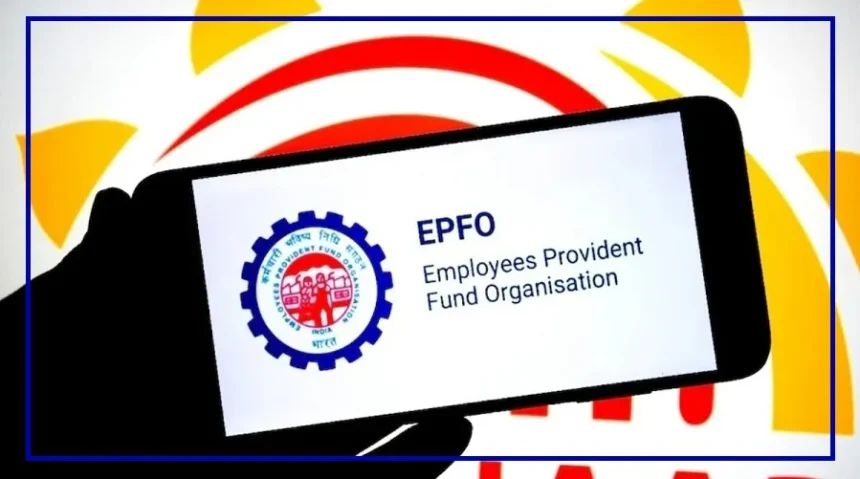
The Employees’ Provident Fund Organisation (EPFO) has brought a big relief for millions of members.
Now, you can easily correct important PF details like your name, date of birth, and gender online—without visiting any office or filling out long forms.
This सुविधा is available through the UAN Portal, making the process faster and hassle-free.
Why This Update Matters
One of the biggest reasons PF claims get rejected is a mismatch between Aadhaar and EPF records. Even a small spelling mistake in your name or a wrong date of birth can delay or block your claim.
To fix this issue, EPFO has now made the entire correction process digital. This means fewer errors, quicker updates, and smoother claim processing.
How to Update PF Details Online
You can correct your details in just a few simple steps:
Log in to the UAN portal
Go to the “Manage” section and click on “Modify Basic Details”
Enter your details exactly as per Aadhaar
Click on “Update” and submit your request
Your employer will verify and approve the request online
Once approved, your updated details will reflect in your EPF account.
Important Things to Keep in Mind
Before updating your details, make sure:
Your Aadhaar is linked with your UAN
Your PAN and bank details are correct
Your mobile number is linked to Aadhaar
Keep in mind, most profile changes need employer approval. However, you can update some details like your bank account and IFSC code on your own.
Why KYC Update is Necessary
Updating your KYC is very important if you want to withdraw your PF without issues. EPFO now verifies all your details with Aadhaar. Even a small mistake can lead to claim rejection or delays.
Keeping your information accurate and updated ensures a smooth and quick PF withdrawal process.