

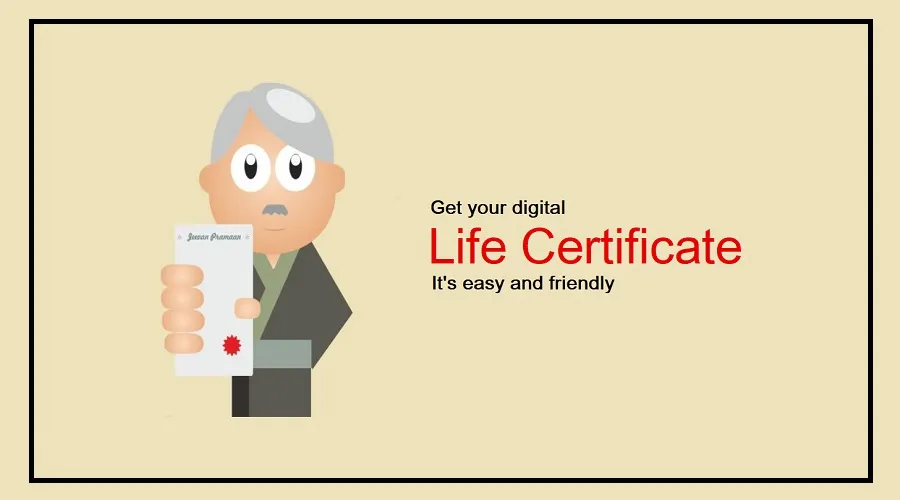
EPS-95 Pensioners Digital Life Certificate submission has become easier, as retired employees covered under the Employees’ Pension Scheme 1995 can now complete the process from home using a smartphone.
They no longer need to visit a bank branch or pension office to submit their annual Jeevan Pramaan certificate.
The Employees’ Provident Fund Organisation (EPFO) has informed pensioners about the facility to generate and submit their Digital Life Certificate through the UMANG app using Aadhaar-based face authentication.
The facility can be particularly helpful for elderly pensioners and people with mobility difficulties who find it challenging to travel to banks or government offices.
A Digital Life Certificate acts as proof that a pensioner is alive and eligible to continue receiving pension payments. Submitting it regularly is important to avoid interruptions in pension disbursement.
EPS-95 Pensioners Digital Life Certificate: How It Works
The digital facility allows pensioners to use their smartphone camera for Aadhaar-based face verification. Once the authentication is completed successfully, the system generates a Digital Life Certificate.
The certificate is submitted electronically, allowing the concerned pension disbursing authority to access the information without requiring the pensioner to submit a physical document.
Pensioners can use the UMANG application to access the Jeevan Pramaan service. They need an Aadhaar-linked mobile number, Aadhaar details and their pension-related information to complete the process.
The AadhaarFaceRD application must also be installed on the smartphone because it supports the face authentication process.
How to Submit Jeevan Pramaan Through the UMANG App
EPS-95 pensioners can follow these steps to generate their Digital Life Certificate from home.
First, download and open the UMANG application on your smartphone. Register or log in using your registered mobile number and the OTP received on it.
Next, search for Jeevan Pramaan in the application and select the option to generate a Life Certificate.
Choose the face authentication facility and ensure that the AadhaarFaceRD application is installed on your smartphone.
Enter your Aadhaar number and complete verification using the OTP sent to your Aadhaar-linked mobile number.
After authentication, provide the required pension information.
This includes your name, pension category, organisation, pension sanctioning authority, pension disbursing agency, Pension Payment Order (PPO) number and pension bank account details.
You may also need to answer the questions related to re-employment and remarriage, as applicable.
Carefully review the information entered in the application before submitting the form. Once the details are confirmed, follow the instructions to complete Aadhaar-based face authentication.
Position your face in front of the smartphone camera as instructed by the application. After successful verification, your Digital Life Certificate will be generated.
The pensioner receives a Jeevan Pramaan ID and information to access or download the certificate.
When Should EPS-95 Pensioners Submit Their Life Certificate?
Unlike certain other government pension categories that follow a fixed annual submission window, EPS-95 pensioners can submit their Digital Life Certificate at any time during the year.
The certificate remains valid for one year from the date of successful submission. Pensioners should therefore remember their submission date and renew the certificate before its validity expires.
For example, if a pensioner submits the certificate on November 12, 2026, it will remain valid for one year from that date.
Waiting until the certificate expires could create difficulties with pension payments. Therefore, pensioners should check their certificate status and ensure that the renewal is completed on time.
Documents and Details Required for Digital Life Certificate
Before starting the online process, pensioners should keep a few important details ready.
These include their Aadhaar number, Aadhaar-linked mobile number, PPO number and pension bank account details.
The UMANG application and AadhaarFaceRD application should also be available on the smartphone.
Providing accurate pension information is important because the Digital Life Certificate must be linked to the correct pension records.
Pensioners who are unable to complete face authentication through their smartphones can seek assistance through authorised service centres or other available Jeevan Pramaan submission facilities.
Why This Facility Is Important for Senior Citizens
For many retired employees, visiting a bank or pension office every year can be physically demanding. This becomes especially difficult for elderly people and pensioners with health or mobility-related limitations.

The smartphone-based facility reduces the need for unnecessary travel and makes the annual verification process more convenient.
The initiative also supports the government’s broader efforts to expand digital public services and make pension-related facilities more accessible.
However, pensioners should remember that digital submission does not remove the requirement to provide a life certificate every year.
They must complete the process within the validity period to help ensure the continued disbursement of their EPS-95 pension.