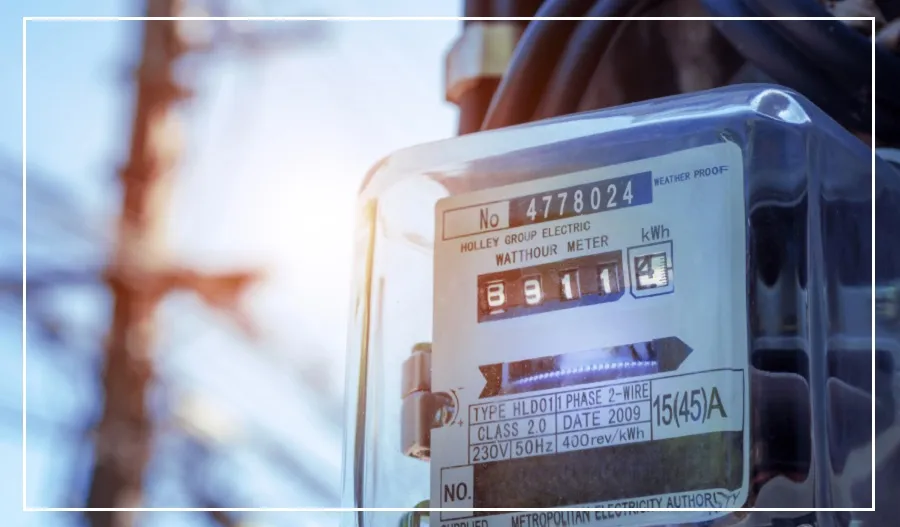
Smart prepaid electricity meters are being installed in many states across India.
While these meters make power management easier, some people have complained on social media about high electricity bills and sudden power outages when their meter balance goes negative.
Fortunately, there’s a simple way to control both your bills and avoid unexpected outages—by using the budget limit feature in your smart meter app.
What is the Budget Limit Feature?
The budget limit feature works just like the data alert feature on your phone.
It notifies you when you are close to reaching your electricity budget.
Here’s how it works:
Set your daily or monthly electricity budget in the app.
Receive alerts when you are approaching or exceeding this limit.
Avoid overspending and prevent power cuts caused by a low meter balance.
This feature is available in most state-specific smart prepaid meter apps.
How to Use the Budget Limit Feature
To start using this feature, follow these steps:
Download your state-specific prepaid meter app. Examples include Bihar Bijli Smart Meter, UPPCL Smart Consumer, etc.
Log in using your registered mobile number or customer ID.
Find the Budget or Set Alerts option in the menu.
Enter your monthly electricity budget (for example, Rs 2,000).
Set when you want to receive alerts—such as at 80% or 90% of your budget.
Click Save to activate the alerts.
You will receive notifications on the mobile number linked to your electricity connection, helping you stay within your budget and avoid sudden power cuts.