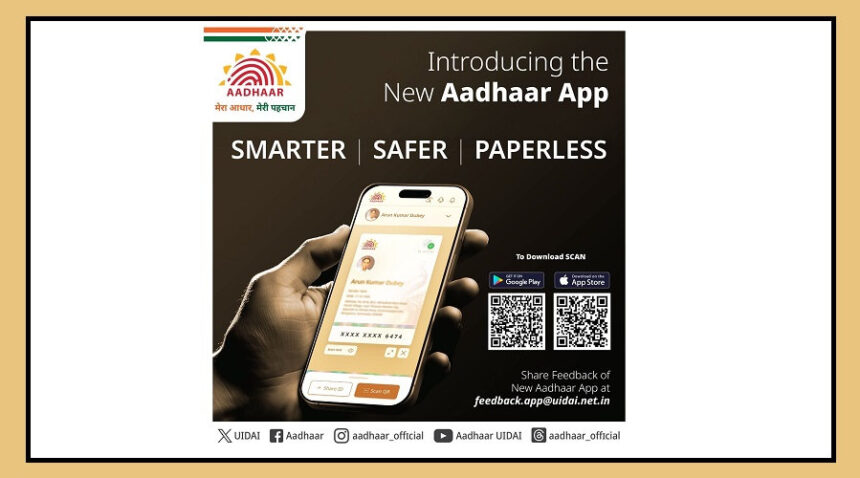
The UIDAI’s new Aadhaar app now lets you update your mobile number and address digitally, without visiting an Aadhaar Seva Kendra.
Here’s a simple step-by-step guide to do it safely and conveniently.
Step 1: Download and Sign In
Download the Aadhaar app from the Google Play Store (Android) or App Store (iOS).
Open the app and sign in with your Aadhaar number.
Verify your identity using face authentication or biometrics.
This ensures only the rightful Aadhaar holder can make changes.
Step 2: Update Your Mobile Number
Tap “Services” at the bottom of the home screen.
Select “Mobile Number Update” and read the overview. Tap Continue.
Enter your new mobile number.
You will receive an OTP on the new number — enter it to verify.
Complete face authentication as required.
Pay a processing fee of ₹75 within the app.
Your mobile number will be updated in the Aadhaar database, usually within 15 days.
Step 3: Update Your Address
You can update your address using an official document or via a family member’s Aadhaar.
A. Using an Address Proof Document
Go to Services → Address Update → Update with Address Proof.
Upload a valid document in your name (Voter ID, Passport, Electricity Bill, Bank Statement, Mobile Bill).
Review details, complete face authentication, and pay ₹75.
Submission is processed in about 15 days.
B. Using a Family Member’s Aadhaar
Go to Address Update → Use Family Aadhaar.
Enter the family member’s Aadhaar number whose address you want to copy.
Verify details, authenticate with face verification, pay ₹75, and submit.
Processing may take up to 15 days.
Step 4: After Submission
You’ll get a confirmation message on your registered mobile number.
A Service Request Number (SRN) may be provided to track your request.
Once processed, your updated details will reflect in the Aadhaar database and can be used for official verification and services.
Tip: Make sure your documents are clear and valid to avoid delays in processing.