In today’s digital world, personal data has become extremely valuable—and vulnerable.
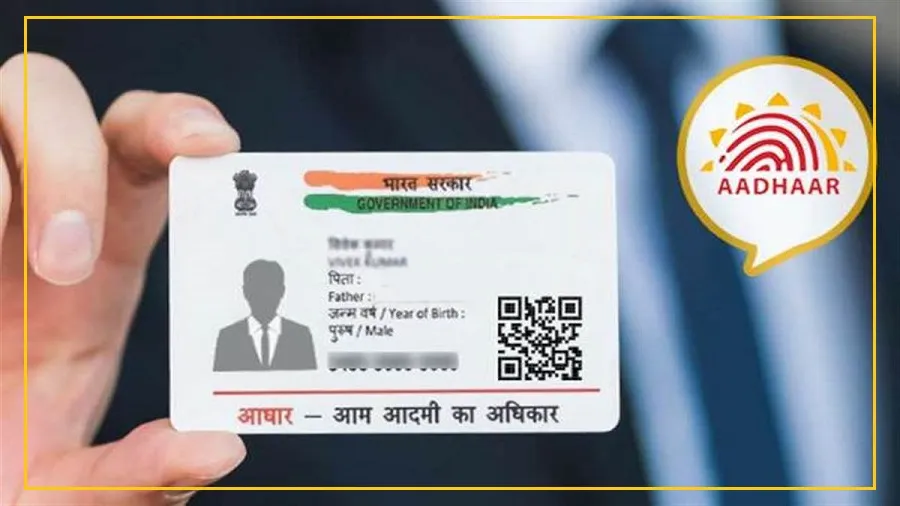
Aadhaar, one of India’s most important identity documents, is now increasingly being targeted by cybercriminals.
To tackle this growing risk, UIDAI has introduced a lock and unlock feature that helps you control how your Aadhaar is used.
This simple step can go a long way in protecting your identity from misuse.
Why Aadhaar Security Matters More Than Ever
Aadhaar is widely used today—for opening bank accounts, getting government benefits, and even buying SIM cards.
Because of this frequent usage, your Aadhaar number is shared at many places.
This creates a risk.
If your data falls into the wrong hands, it can be misused for fraud or identity theft.
That’s where the Aadhaar lock-unlock feature becomes important.
It gives you the power to decide when your Aadhaar can be used and when it cannot.
What Is the Aadhaar Lock-Unlock Feature?
Locking your Aadhaar means temporarily disabling it.
When Aadhaar is locked, no biometric or OTP-based authentication works.
This ensures that no one can use your Aadhaar without your consent.
During this time, you can still use a Virtual ID (VID).
A VID is a 16-digit temporary number linked to your Aadhaar.
It can be changed whenever needed and can be safely shared instead of your actual Aadhaar number.
This feature greatly reduces the chances of fraud and unauthorized use.
When Should You Lock Your Aadhaar?
If you have shared your Aadhaar details at multiple places and are worried about possible data leaks, locking your Aadhaar is a smart move.
Once locked, no bank, company, or scammer can verify your identity using your Aadhaar number directly.
Your personal information stays protected until you decide to unlock it.
How to Lock Your Aadhaar Online (Website Method)
UIDAI allows you to lock your Aadhaar through its official website in just a few steps:
Visit the official UIDAI website
Go to the My Aadhaar section and select Aadhaar Lock/Unlock
Choose UID Lock and enter your Aadhaar number, name, and PIN code
Verify using OTP received on your mobile or TOTP from the mAadhaar app
Submit the details and your Aadhaar will be locked instantly
You will receive a confirmation message once the process is complete.
How to Lock Aadhaar Using the mAadhaar App
You can also lock your Aadhaar using the mAadhaar mobile app:
Download the mAadhaar app from Google Play Store or Apple App Store
Log in using your registered mobile number
Go to the Services section and tap on Aadhaar Lock/Unlock
Select Lock Aadhaar and complete the OTP verification
Your Aadhaar will be locked within seconds.
How to Unlock Aadhaar When You Need It
If you need Aadhaar verification for any service, unlocking it is quick and easy.
You just need your latest 16-digit Virtual ID.
the UIDAI website, select the Unlock option, enter your VID and OTP, and your Aadhaar will be active again almost instantly.
Locking your Aadhaar is a simple but powerful step to protect your identity in an age of rising cybercrime.
Taking control today can save you from serious trouble tomorrow.