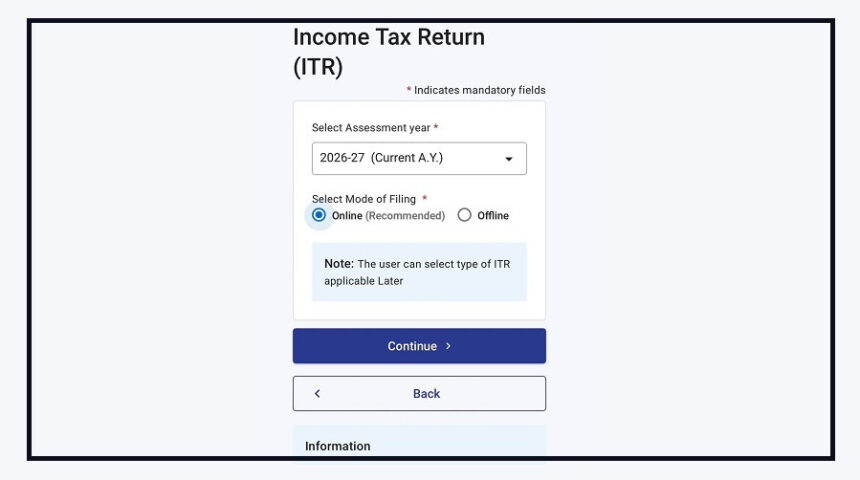
The Income Tax Department has released the Excel Utility for ITR-7 for Assessment Year (AY) 2026-27.
With this, eligible taxpayers can now prepare their income tax returns offline and upload them through the Income Tax e-Filing portal.
The department announced the update through its official X (formerly Twitter) account, making it easier for trusts, institutions and other eligible organisations to begin filing their returns.
Who Can File ITR-7?
The ITR-7 form is meant for specific organisations that are required to file returns under the Income Tax Act.
These include:
Charitable and religious trusts
Political parties
Scientific research associations
Universities and educational institutions
Hospitals
Other eligible organisations covered under the Income Tax Act
If your organisation falls under these categories, you can now download the latest ITR-7 Excel Utility (Version 1.0) from the Income Tax e-Filing portal.
How to Use the ITR-7 Excel Utility
The filing process is simple and can be completed offline before uploading the return.
Follow these steps:
Download the ITR-7 Excel Utility from the Income Tax e-Filing portal.
Fill in all the required details offline.
Validate the information entered in the form.
Generate the JSON file.
Upload the JSON file on the e-Filing portal to complete the return filing process.
The release of ITR-7 is part of the department’s phased rollout